01
Step 1 of 6
Deploy the trap
Decoy identities, credentials, documents and cloud keys are registered, approved by a second person and placed on real assets.
See how decoys are placed

Home TrapSignal
A 360CyberX product
TrapSignal places decoy identities, credentials, documents, cloud keys and canary tokens across your estate. When an intruder touches one, the signal is graded, correlated and in front of your SOC, with the investigation already under way.
Most detection asks
Is this activity unusual?
It needs a baseline to learn and thresholds to tune, and unusual is not always hostile.
TrapSignal asks
Did anyone touch this?
No baseline needed. Nobody has a reason to touch a decoy, so one touch is the signal.
Why deception
Attackers who are already inside go looking for credentials, file shares, cloud keys and documents worth taking. TrapSignal plants convincing ones that carry nothing real, so the first interaction becomes a high-confidence signal instead of one more alert in the queue.
Real users have no reason to open a decoy, so a hit is rarely noise. Your team spends its time on intruders, not false alarms.
Every placement is approved by a second person, and scheduled checks confirm that placed decoys still work.
Your SIEM and EDR keep doing their jobs. Detections flow to them, and their evidence flows back into the case.
How it works
Six steps, one ingestion path, one permission model and one audit trail, so no tool or connector can skip a step. Each slide shows where the step happens in TrapSignal.
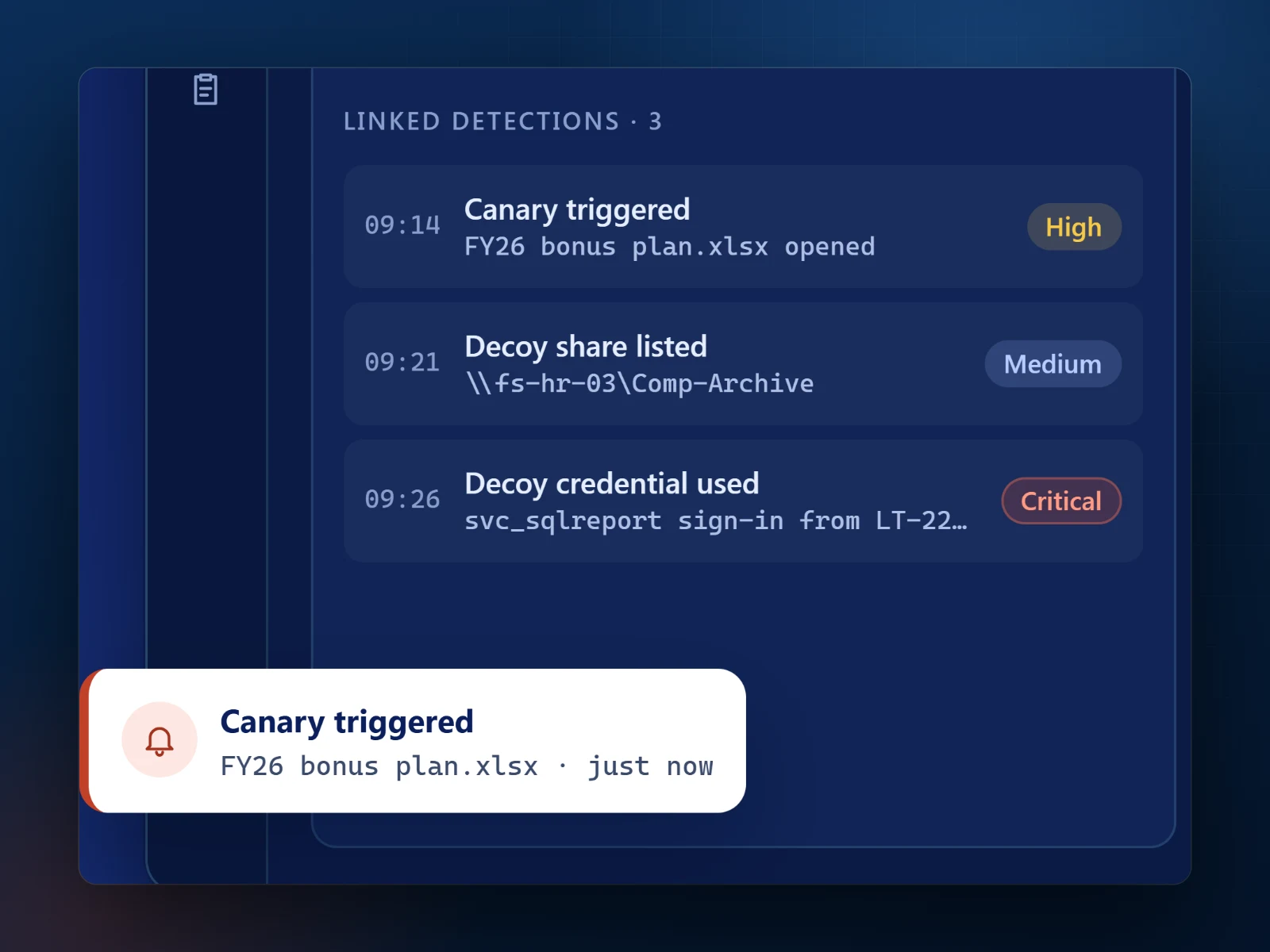
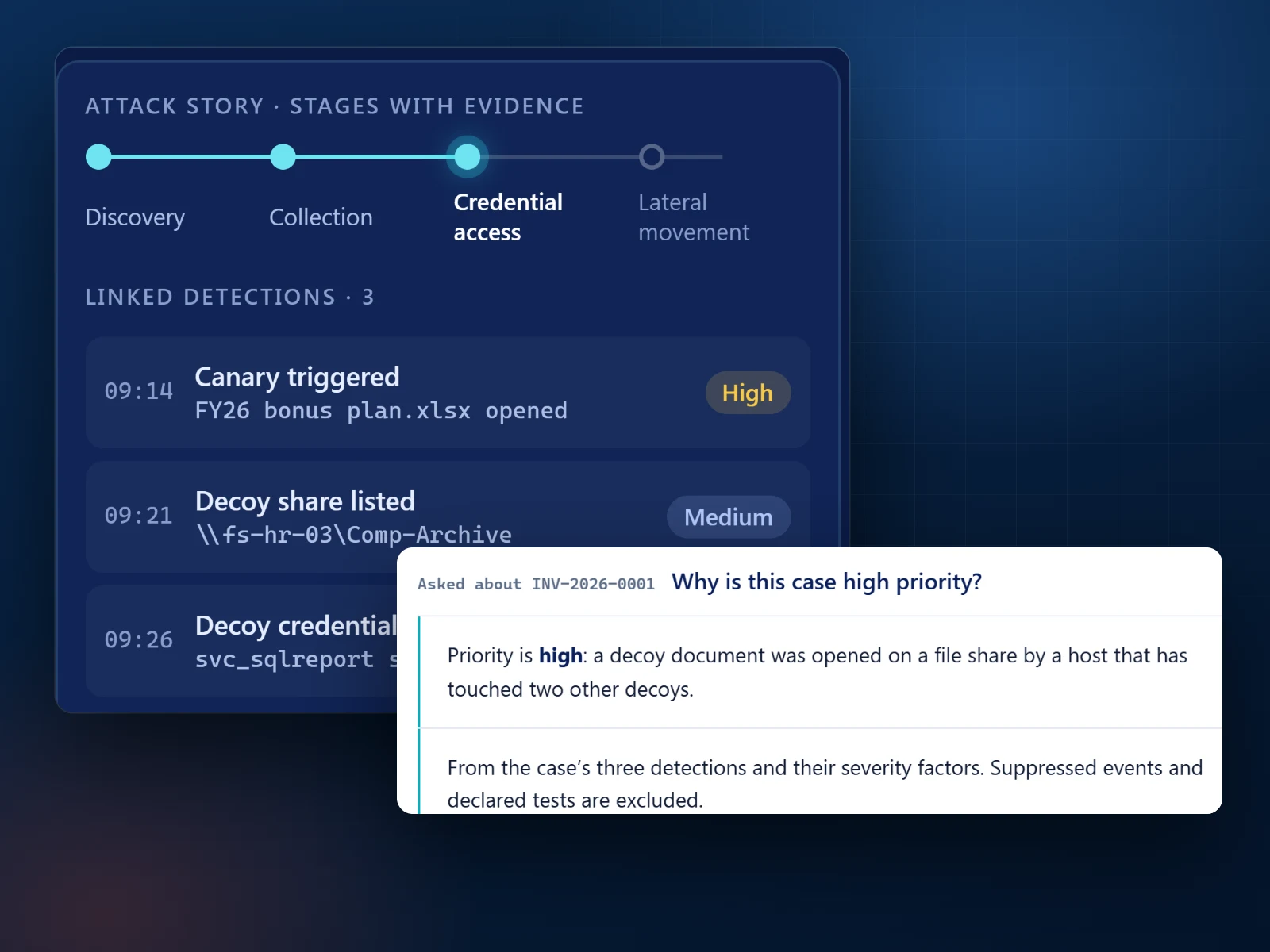
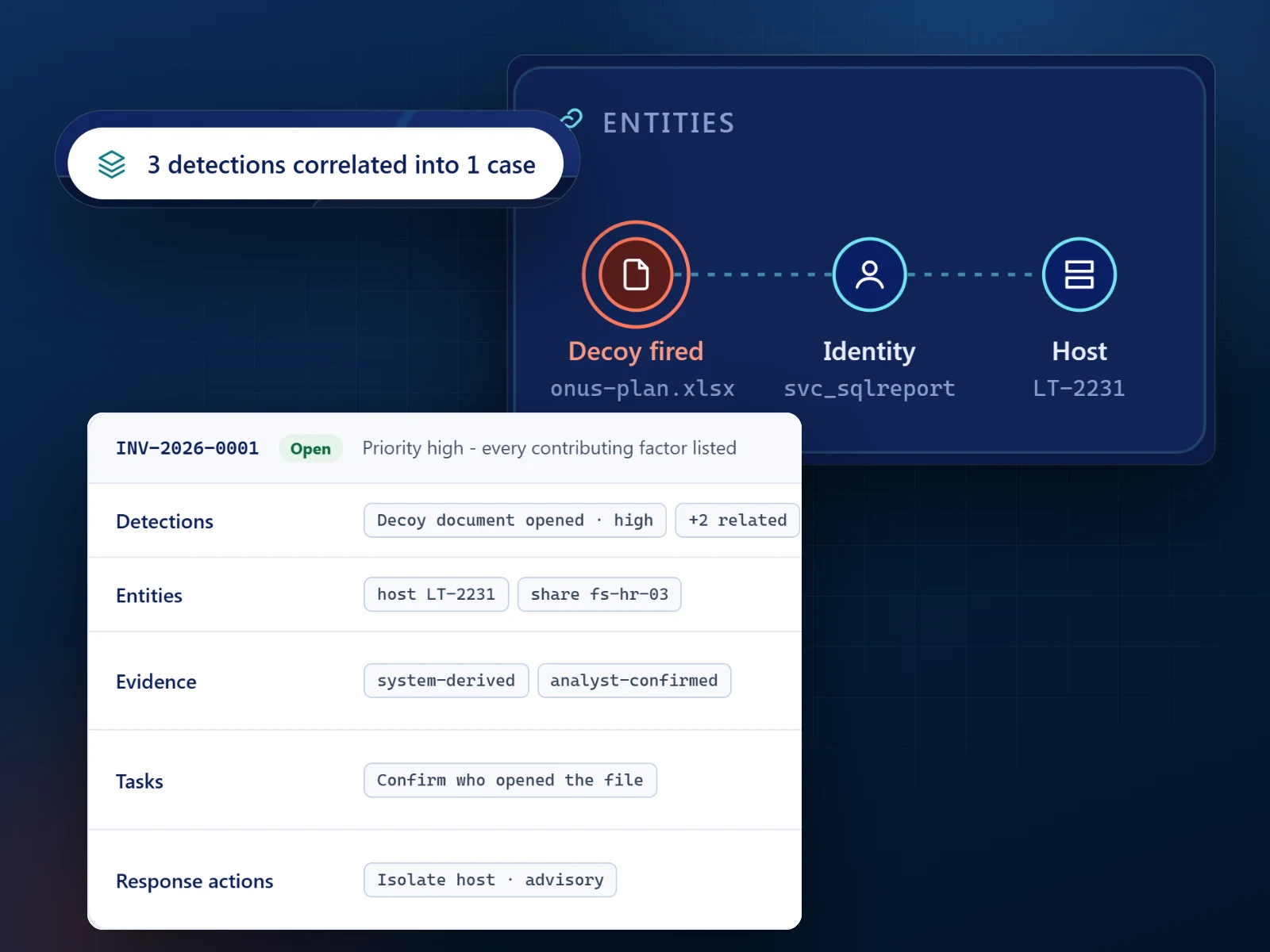


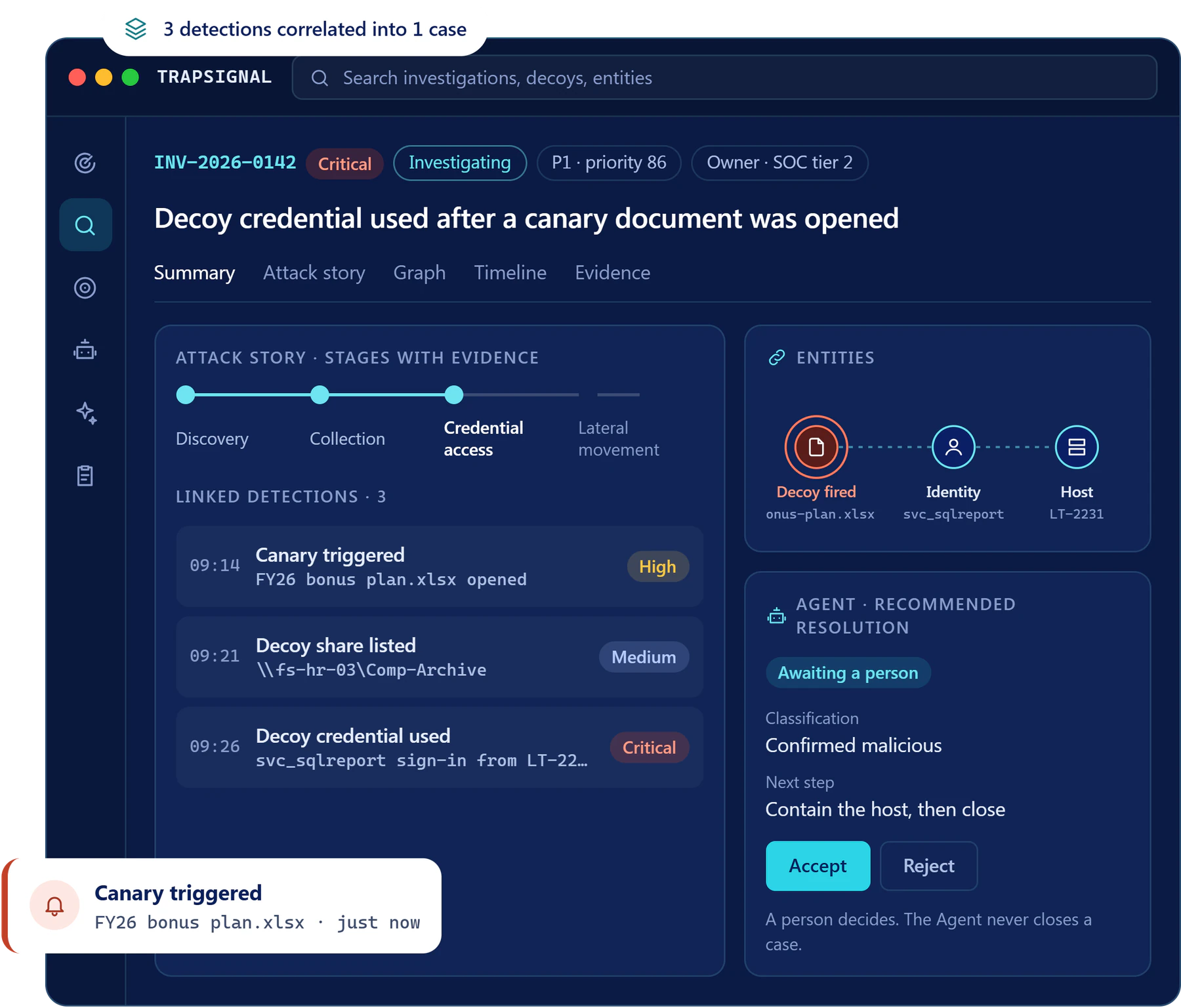
Screens show a demonstration investigation.
Use cases
 IdentityIdentity attacks and credential theftDecoy accounts and credentials tell you the moment someone tries stolen sign-in material.Read the use case
  RansomwareRansomware early warningDecoy file shares sit where ransomware operators look first, so the reconnaissance is caught before encryption starts.Read the use case
  Insider riskDocuments nobody should openGenuine Word, Excel and PDF decoys report when they are opened, with no click required.Read the use case
  CloudCloud credential leaksDecoy cloud keys look like the real ones and have no legitimate user, so any use of them is a finding.Read the use case
  Supply chainCode secretsDecoy API and SSH keys in repositories, configuration and pipelines catch anyone mining your code for secrets.Read the use case
  OperationsSOC efficiencyFewer, higher-fidelity alerts, with the investigation prepared before an analyst opens it.Read the use case
Capabilities
TrapSignal deploys the traps, captures the touch, grades and correlates the signal, alerts your SOC and opens the investigation. An Agentic SOC prepares the case, and a person decides it.
Integrations
Console sign-in uses Microsoft Entra ID. Connecting your other tools is optional, and everything they collect goes through the same pipeline as a canary hit. Integration credentials are kept in a managed secrets vault, never in the database.
These ship today. See what each one does on the TrapSignal platform page.
Plans
TrapSignal never charges by decoys, detections or investigations. Choose the plan that fits your estate, and the team prices it for you on request.
For a single security team starting with deception: one production environment, a few hundred assets, and the core decoys, canary tokens and investigations.
For a SOC running deception across several environments, with the Agentic SOC, automation and every integration included.
For large or regulated estates: thousands of assets, many cloud accounts and premium support.
For very large or complex environments, with dedicated hosting available, custom retention, negotiated AI capacity, a premium SLA and a named technical account manager.
Want to try it first? Choose Start a trial on the pricing page and the TrapSignal team sets one up with you, with an agreed end date.
Questions
More detail is on the TrapSignal resources page, its security and trust page and its pricing questions.
No. They stay in place. TrapSignal sends each detection to them and to your ticketing and chat tools, and brings their evidence back into the case.
A Microsoft Entra ID tenant for console sign-in, and somewhere to place decoys, such as your directory, file shares, endpoints, repositories or cloud accounts. Connecting the tools you already run is optional.
Decoys carry nothing real. The platform refuses a decoy that contains a working secret, and decoy identities cannot sign in to anything.
Only low-risk steps such as enriching an event run automatically, and they are audited. Any step that changes something stops at the approval gate until a person decides.
360CyberX, the Dallas cybersecurity and IT firm behind this website. TrapSignal runs on its own platform at trapsignal.360cyberx.com, with its own sign in and security controls.
Get started
A working session with the TrapSignal team: where decoys would sit in your environment, what fires, and how it reaches the tools your SOC already runs.
Demo requests, pricing and sign in continue on trapsignal.360cyberx.com, the TrapSignal site run by 360CyberX.